Online Fairplay App: Devices, Downloads And Updates
Know which access method you are using before following a download or update instruction.
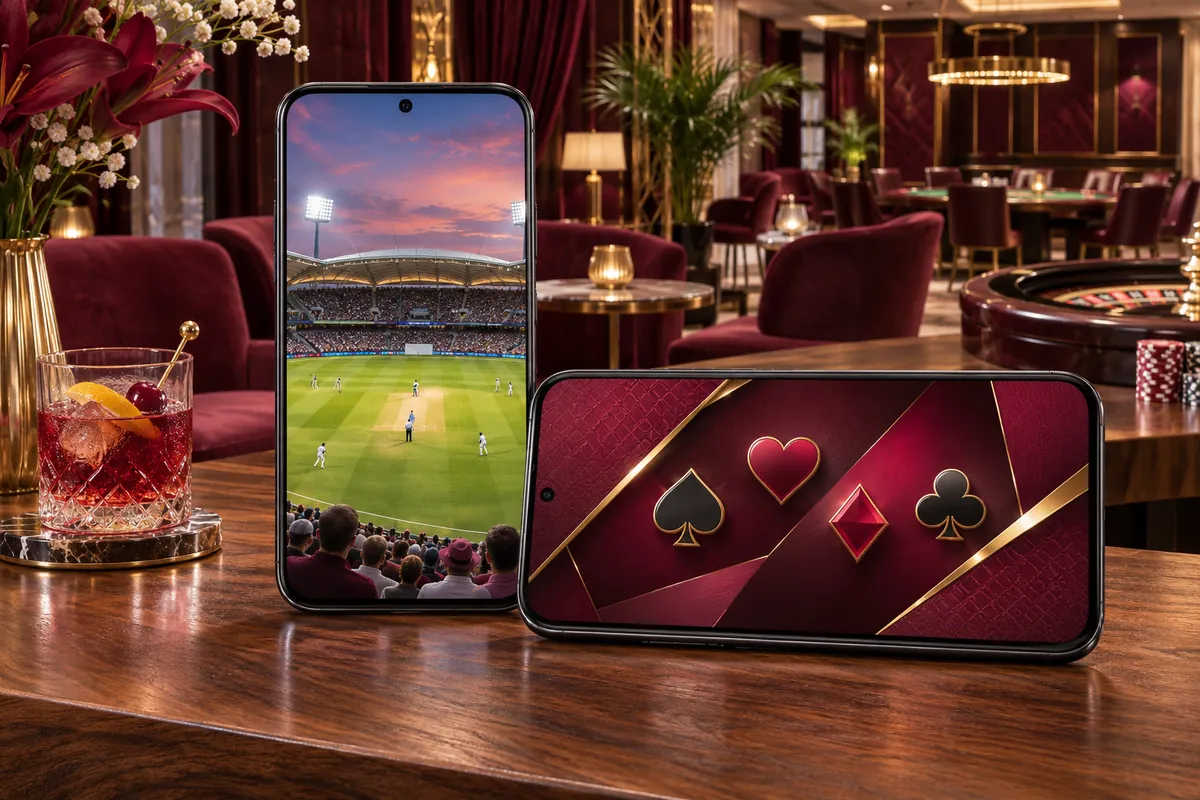
Online Fairplay: Identify What The Icon Opens
A mobile icon can represent an installed application or a shortcut to a browser page. Both can offer a convenient return route, but their installation, permissions and updates are different.
Look at the distribution instructions, publisher information and device requirements. Do not identify a product solely by a similar name or familiar color scheme.
| Option | Detail To Establish |
|---|---|
| Browser Page | Supported Address And Browser |
| Home-Screen Shortcut | Whether It Reopens A Website |
| Android Application | File Source And Compatibility |
| iPhone Application | Supported Apple Distribution Route |
Before You Install
- Confirm the source associated with the actual service.
- Check the operating-system and storage requirements.
- Read the access permissions requested.
- Identify the intended update process.
- Keep access to your account's recovery contact.
An APK is an Android installation file. It is not a substitute for an iPhone application. Similarly, a home-screen shortcut does not prove that an app-store product was installed.
Match A Symptom To A Stage
- A download that never finishes concerns the transfer or source.
- An installation warning concerns compatibility or a device setting.
- An application that closes immediately concerns opening or runtime behavior.
- A rejected password concerns account access.
- An outdated-version message concerns the designated update route.
Describe the first failed stage, not only the final impression that the app does not work. If browser access succeeds, mention that comparison.
Review A Permission In Context
A request for access should have a purpose that matches the feature being used. Read the explanation before enabling an additional permission, and revisit temporary installation settings afterward.
Do not accept an unsolicited replacement file as an authenticated update. Confirm the designated source independently when the instructions seem inconsistent.
Prepare A Reproducible Description
State the device, software version, access method and exact message. Add the stage where it appeared and a brief account of checks already completed.
The device artwork here is conceptual. It does not verify the availability, appearance or functionality of an actual application. This page does not distribute software or receive credentials.
App Questions
Is A Shortcut The Same As An App?
Not necessarily. A shortcut can reopen a website. Check which method the publisher describes.
What Should I Mention About An Error?
Include the exact message and the stage where it first appeared, together with the device and software version.
Does This Page Supply A Download?
No. Confirm actual software distribution through the service responsible for the application.